Automate Your Emails with RSS & Klaviyo
Send your latest news or social updates to subscribers with RSS.app. No coding needed.
Get Started Now








Automatically Send Updates to Your Audience
Send email newsletters and product releases to customers using Klaviyo. Responsive RSS feeds easily integrate with Klaviyo to provide automatically updated content right to your inbox.With RSS.app, you can easily send out targeted product updates to your customers. Tools like Shopify, Automate.io, and Zapier are all supported with the RSS.app and Klaviyo integration. Send content between apps easier and faster.Klaviyo makes it easy to add RSS feeds with absolutely no coding required. Just copy the RSS code snippet from RSS.app and paste it into your Klaviyo template. Your feed will update automatically, so your customers receive the latest updates.
How to Add RSS Feeds to Klaviyo
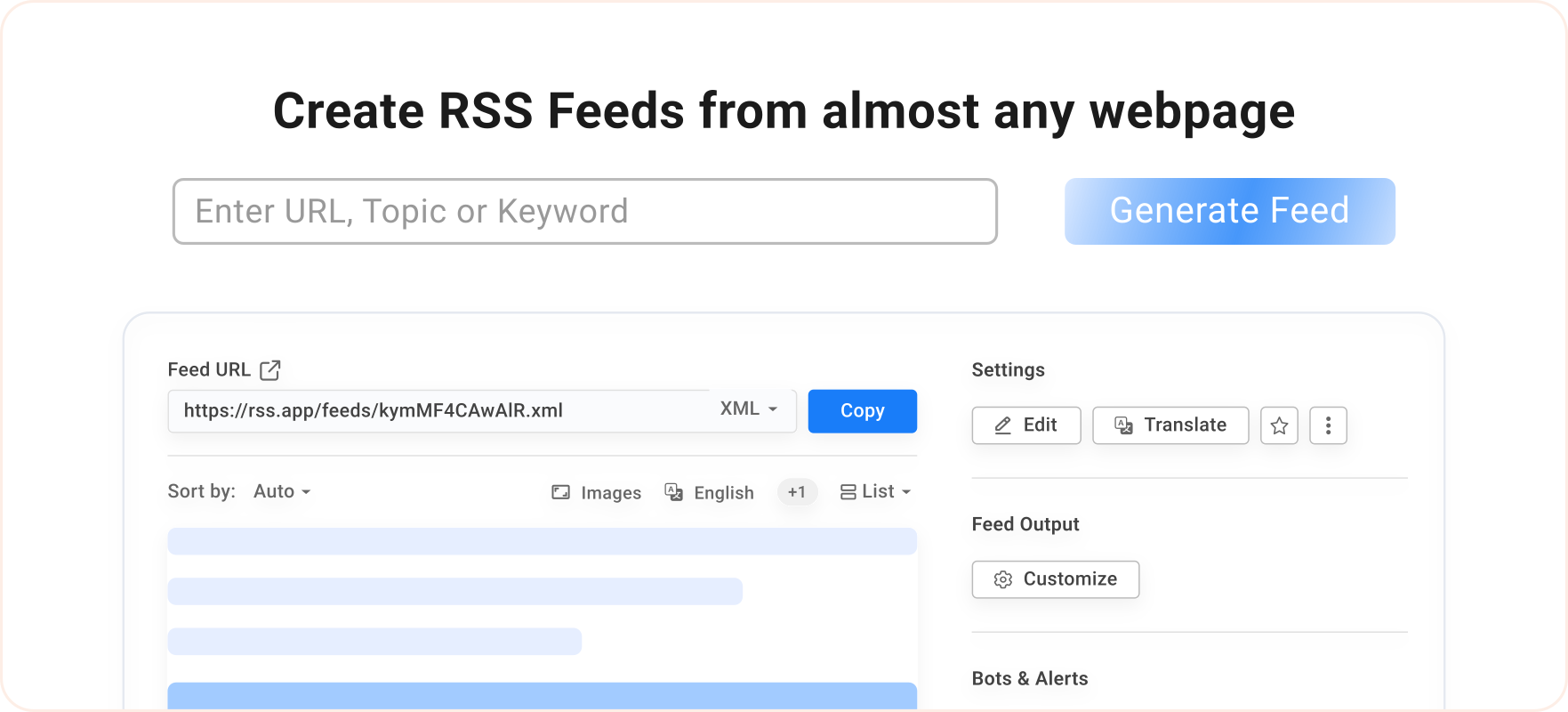
Generate Your Feed in RSS.app
Paste any blog, news, or social link into the RSS Generator. We’ll instantly create a ready-to-use feed.
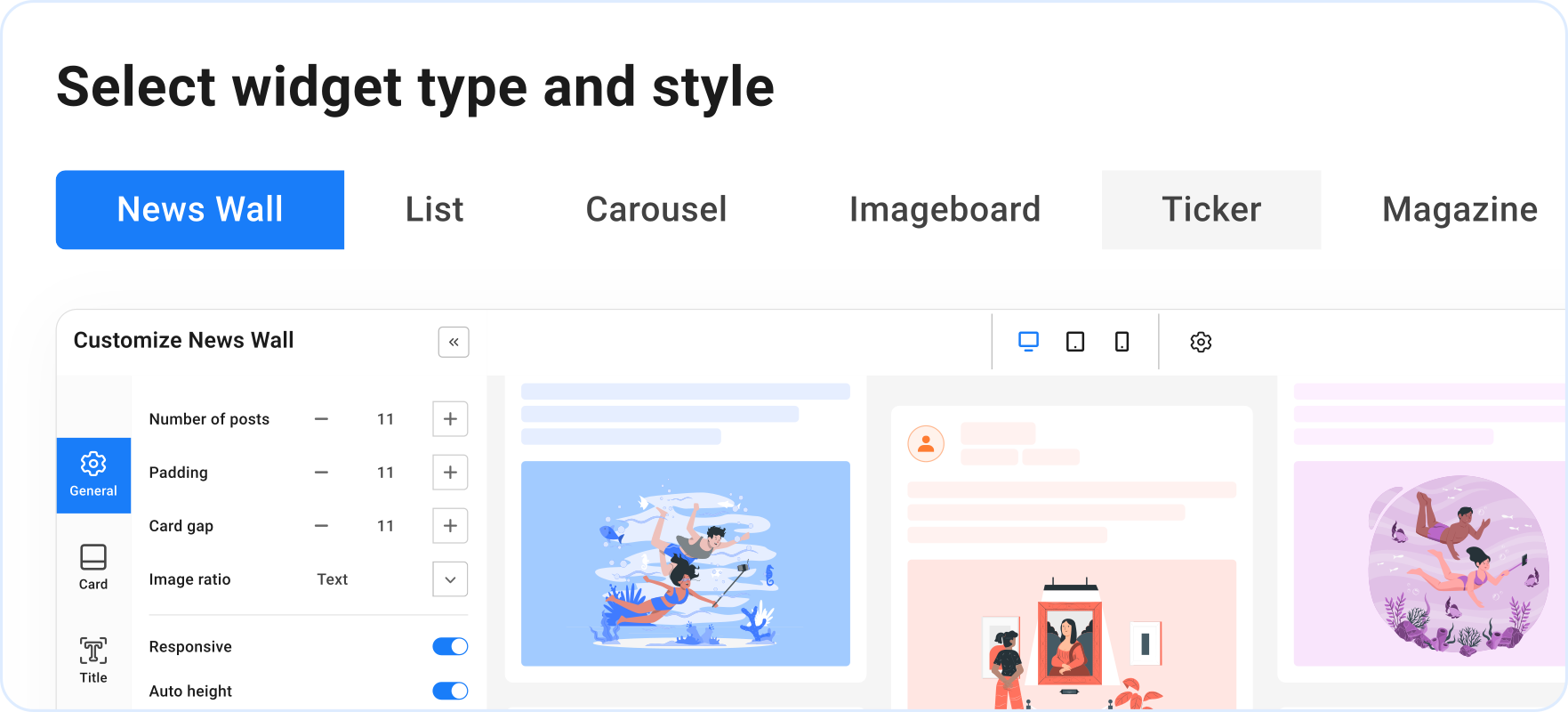
Choose Your Widget Style
Open the Widgets tab in RSS.app and select how your feed should look: News Wall, List, Carousel, Imageboard, TIcker, Magazine, or Feed.
Customize the Design
Click ”Customize” to adjust the colors, fonts, number of posts, & more. Match the widget to your website’s style.
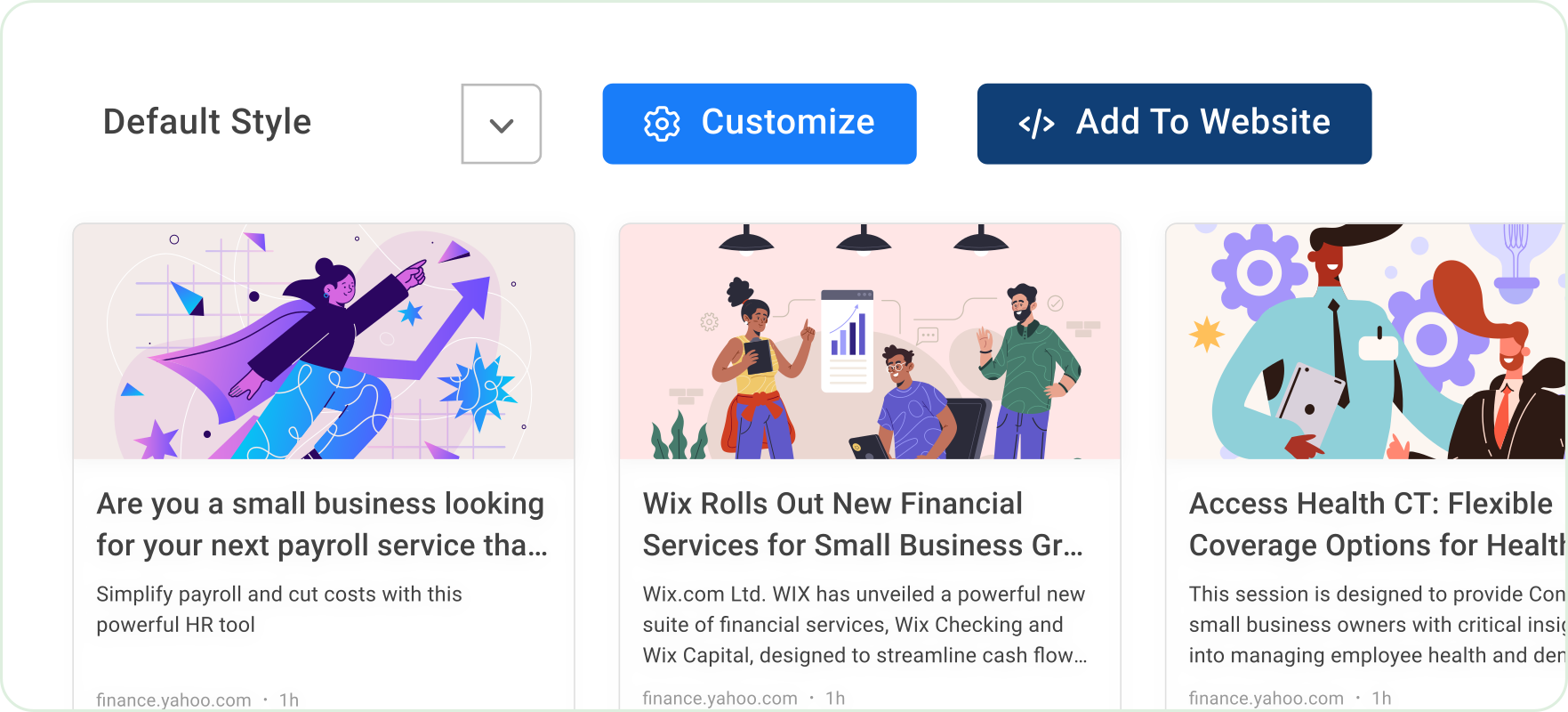
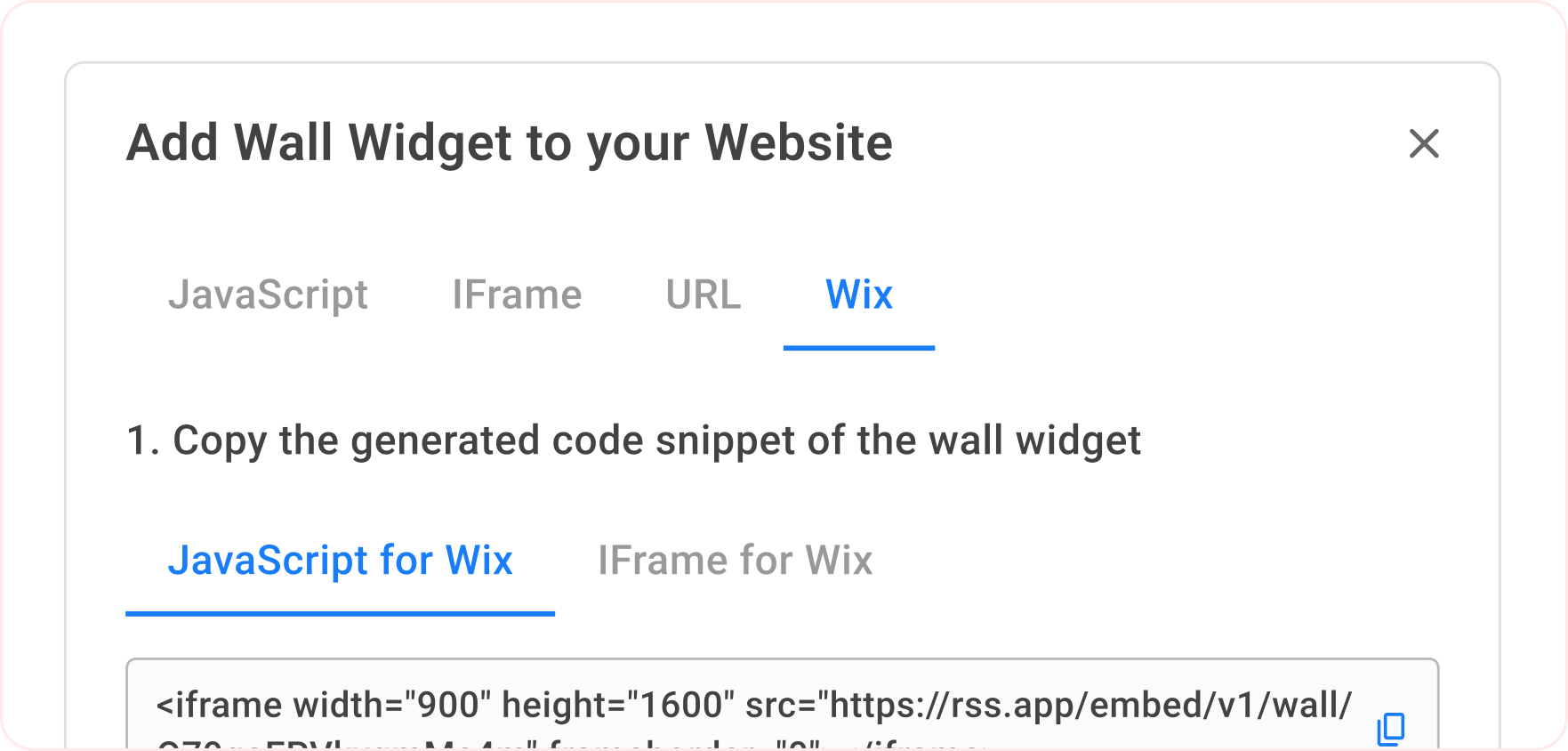
Copy & Paste the Embed Code
Click ”Add to Website” and copy the JavaScript or iFrame code. Paste it into your Wix site and you’re done!
Everything You Want in an RSS Widget

Auto-Updating Content
Keep your emails fresh. RSS.app feeds update automatically, no manual work required.

Works with Any Source
Create RSS feeds from websites, blogs, or social pages. RSS.app turns any content into a Klaviyo-ready feed.

No Technical Setup
Just copy your RSS.app feed URL and paste it into Klaviyo. Your emails will fill with new posts automatically.

Reliable & Consistent
RSS.app keeps your feeds structured and up-to-date so your automated emails always send the right content.
Tools to Organize and Control Your Feeds
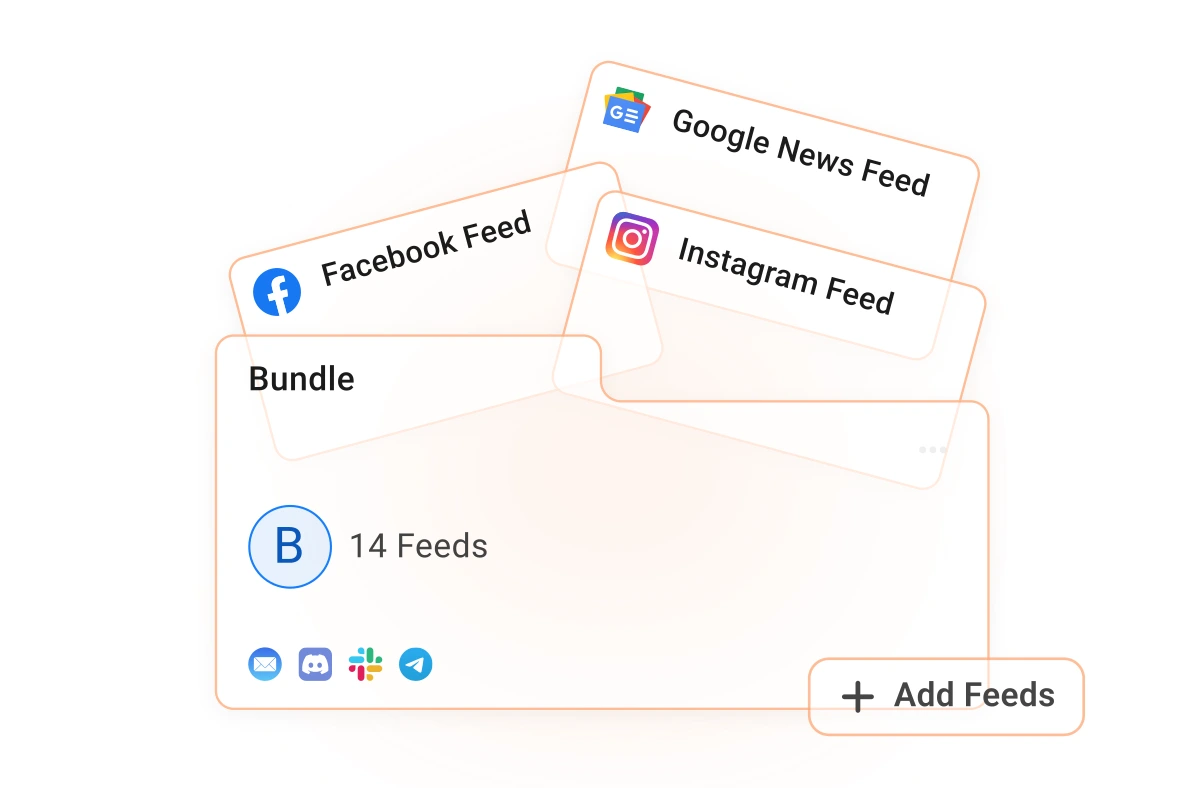
Bundles
Combine multiple RSS feeds into one stream. Perfect for tracking content from different sources in one place.
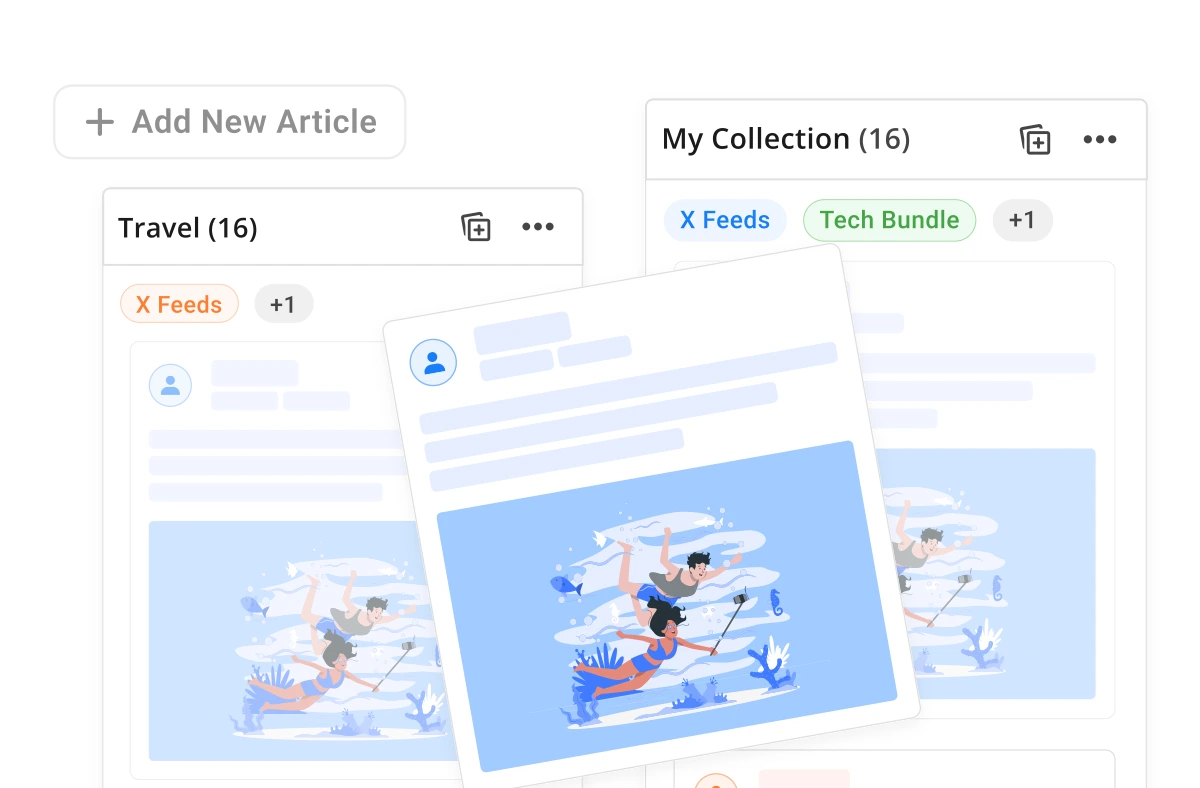
Collections
Manually curate posts and turn them into a custom widget. Ideal for creating themed pages, resource hubs, or brand highlights.
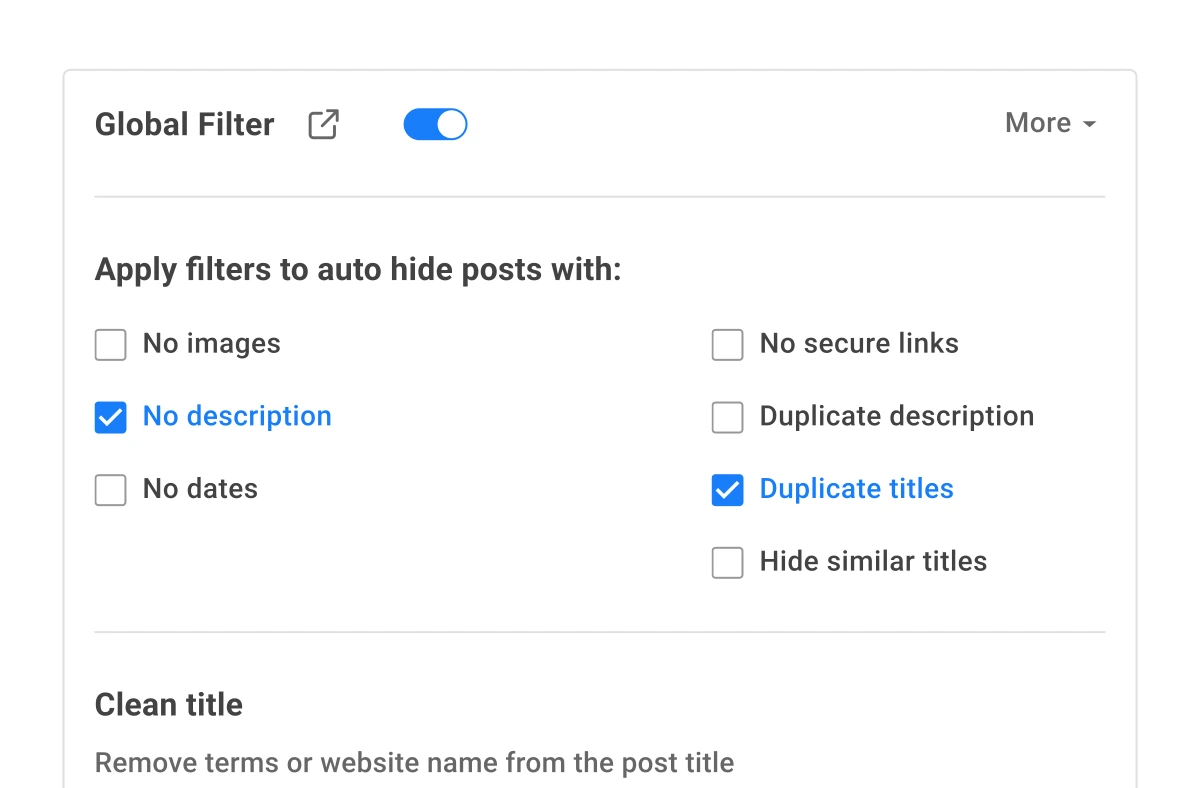
Filters
Hide posts without images, remove duplicates, or use keyword filters (whitelist/blacklist) to display exactly what matters.
What Users Love About RSS.app

 4.8
4.8
Jun 20, 2025

RSS App the only option for RSS feed generation
RSS.app has been fantastic. They walked me through everything, especially since I needed a customized RSS feed for my blog. I will continue to use their services.

Jun 10, 2025
Highly recommend this RSS feed email / widget generator service.
I've worked with many RSS feed generators in the past 15 years. RSS.app has put together an amazing service that is very customizable with so many features. Support is also top notch and responds to your basic and advanced questions quickly and professionally. Highly recommend for all your RSS feed needs. Our trucking news hub website couldn't work without it. Thank you.

Jun 2, 2025
Above and Beyond Help
As part of a new project, my team wanted to monitor release notes on a product; however, the formatting did not match any RSS builder we could find. I reached out to RSS.App support, as you never know if you don't ask. Not only did I speak to someone the same day, but I spoke to someone who was knowledgeable, kind, and clearly wanted to understand the issue. It has been a few weeks, but after many revisions and direct support, all of my release notes are in a way that my users understand and find value in. Honestly, it has been an exceptional experience, and I will be pushing everyone I know to RSS.app for their RSS needs.
May 29, 2025
Highly recommend RSS.app
Very impressed with RSS.app. We connected our MailChimp newsletter to a feed on our website. The support provided has been outstanding! Thank you.
May 5, 2025
RSS.app has been fantastic
RSS.app has been fantastic. They walked me through everything, especially since I needed a customized RSS feed for my blog. I will continue to use their services.
Apr 30, 2025
RSS.app Great product & Service
Great product and awesome customer service. Prompt response with support.
Frequently Asked Questions
Join thousands of Klaviyo users using RSS.app to keep their emails fresh.
Get Started Now