Display Breaking News with Ticker
Highlight the latest stories or announcements on your website in a simple horizontal scroll. No coding required.
Create My Ticker Widget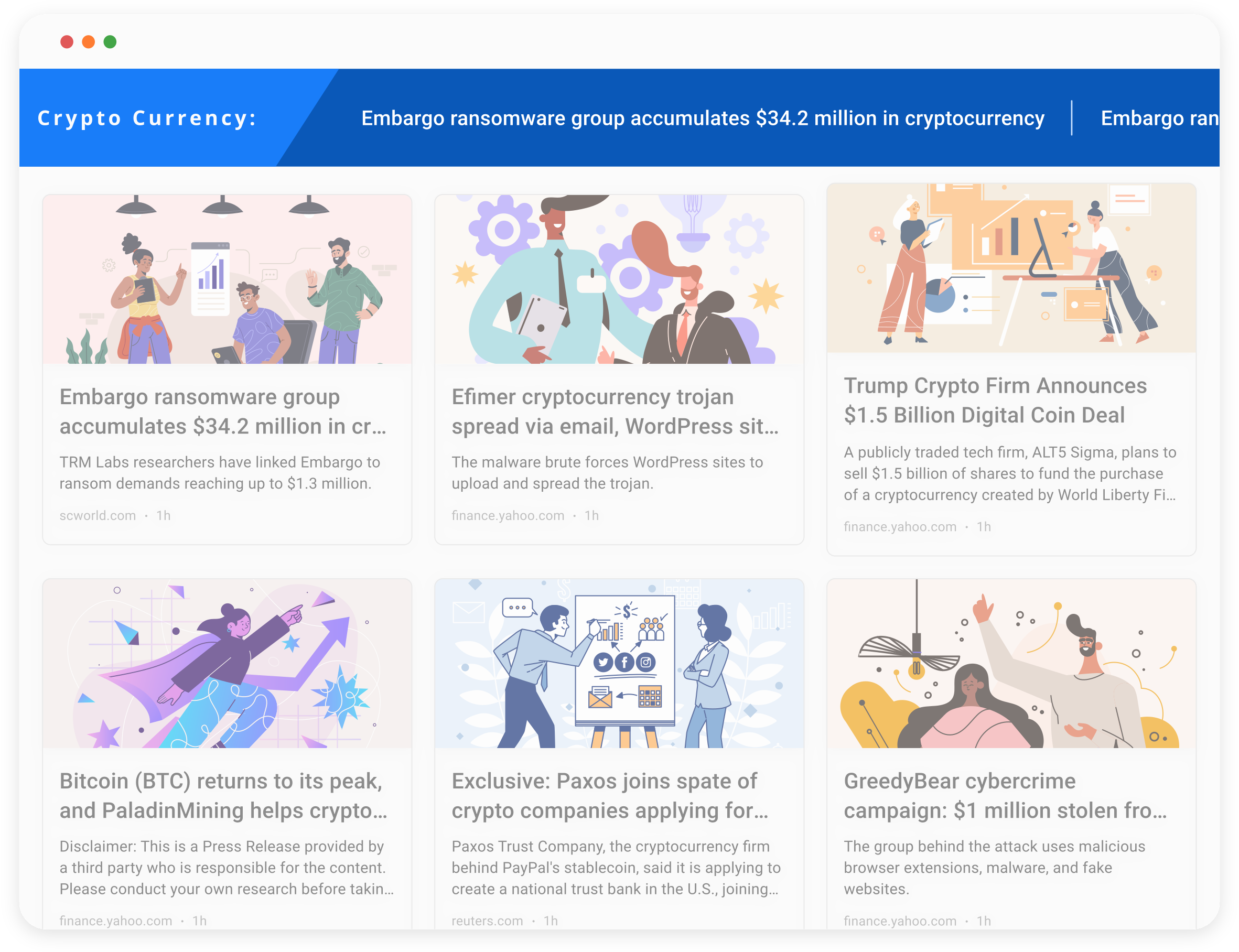







Why Use the Ticker Widget?
Keep your audience informed with a steady stream of updates.

Always Up to Date
Display the latest headlines or posts from your favorite platforms.

Compact Layout
Fits neatly into headers, footers, or sidebars without distracting from your main content.

Boost Engagement
Draw attention to time-sensitive updates or breaking stories that drive traffic.
Widgets From the Platforms You Use Most
Generate a feed from your favorite platform and we’ll turn it into a widget instantly.

Instagram Widget
Create feeds from public Instagram profiles.

LinkedIn Widget
Create feeds from LinkedIn jobs, newsletters, or company pages.

X Widget
Create feeds from public X profiles, hashtags, lists, or search results.

TikTok Widget
Create feeds from public TikTok profiles.

YouTube Widget
Create feeds from Youtube channels, playlists, or search results.

Facebook Widget
Create feeds from public Facebook pages or groups.

Google News Widget
Create feeds from subreddits or search results.

Threads Widget
Create feeds from subreddits or search results.

Reddit Widget
Create feeds from subreddits, comment threads, or keyword searches.

Bluesky Widget
Generate feeds from public Bluesky profiles, posts, or hashtags.

Telegram Widget
Build feeds from public Telegram channels, groups, or message searches.

& More
Explore additional widgets and sources, from websites to niche platforms.
Key Features of the Ticker Widget
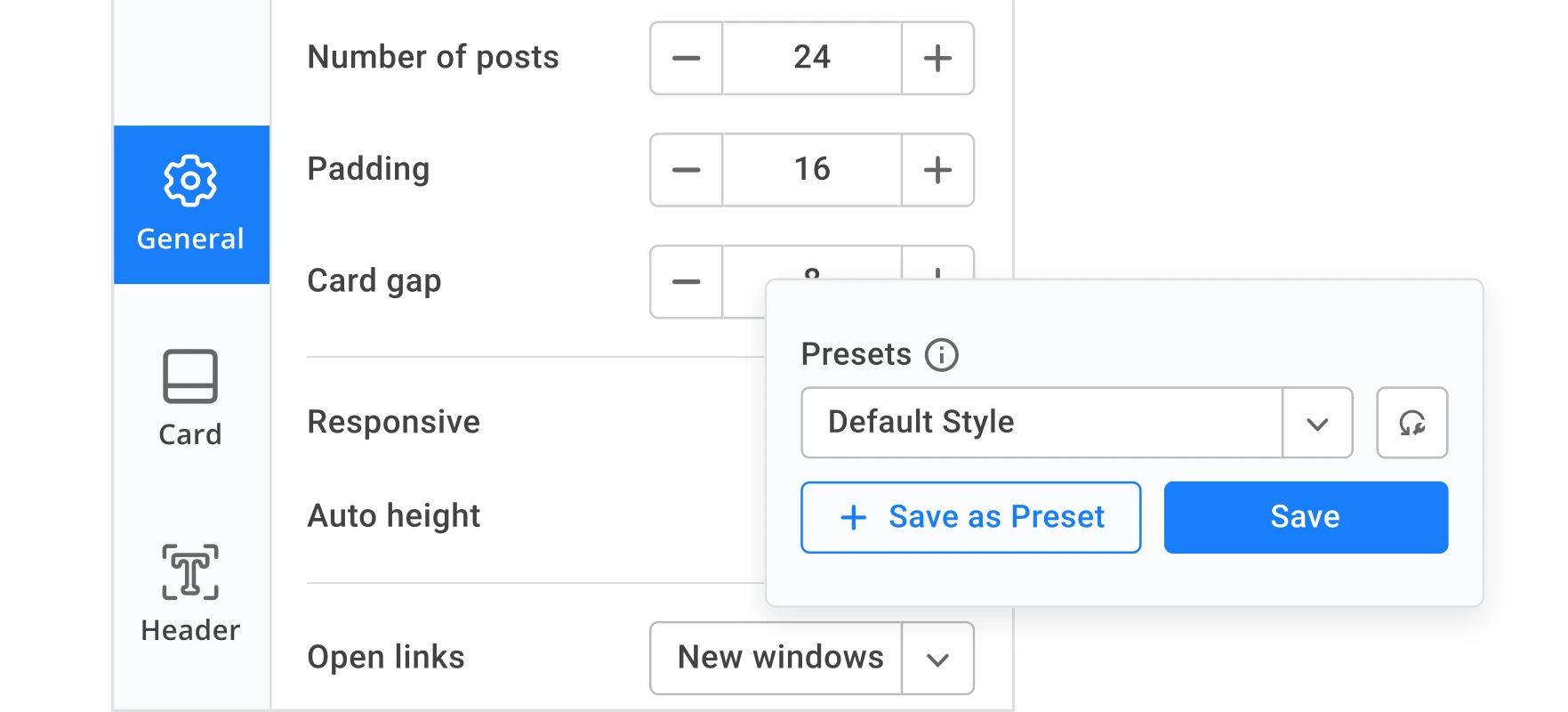
Easy to Customize
Adjust font, colors, background, speed, direction, and spacing to match your site’s design in a few clicks.
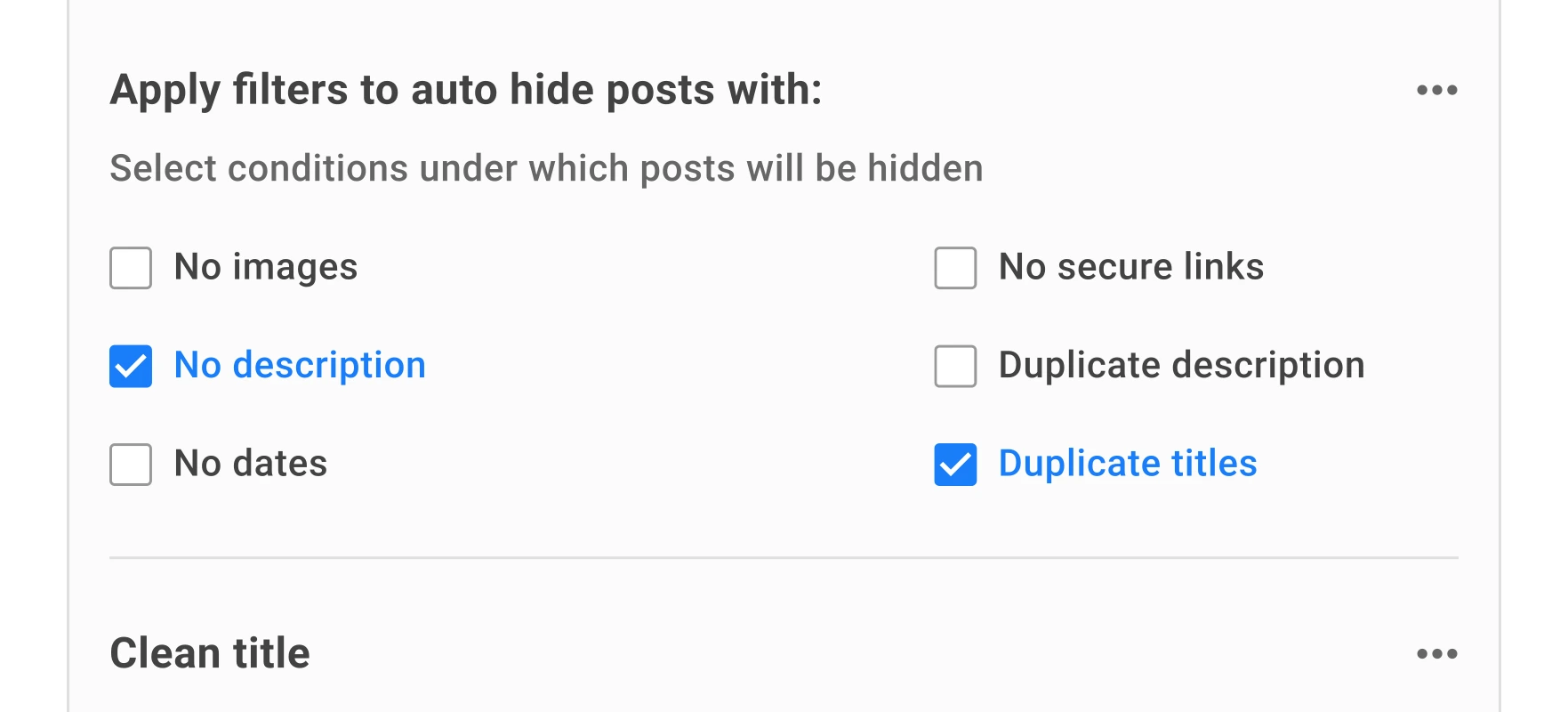
Advanced Filters
Hide posts with missing data or apply keyword filters to keep the Ticker clean and relevant.
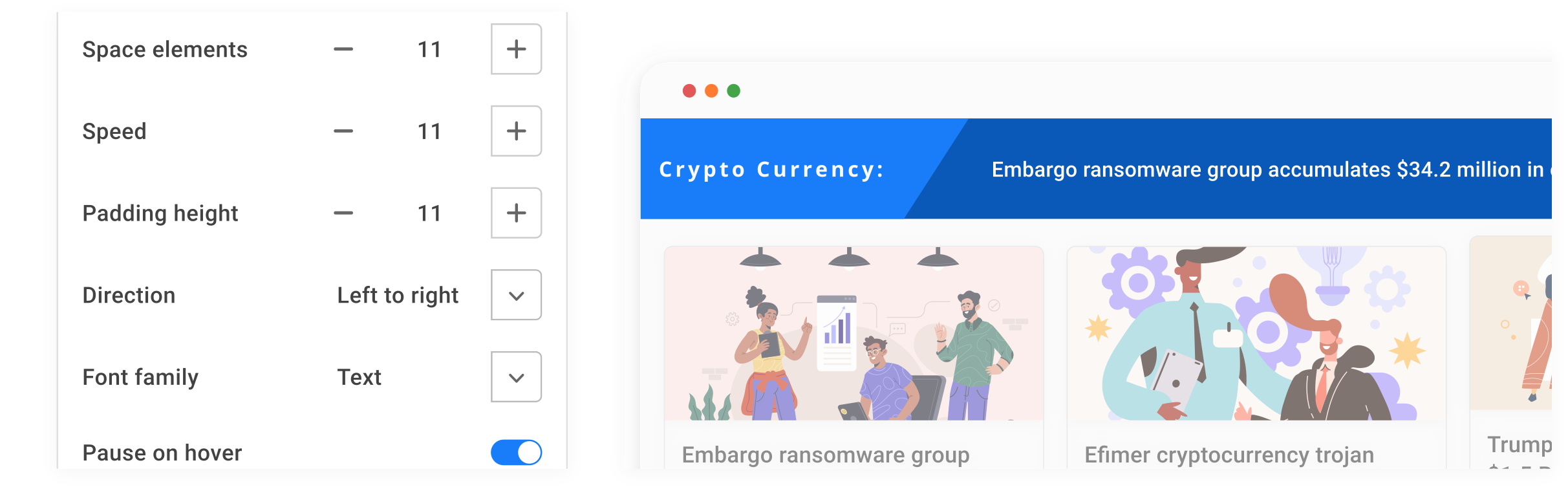
Scroll Control
Choose scroll direction, control speed, loop behavior, and pause-on-hover for a smoother experience.
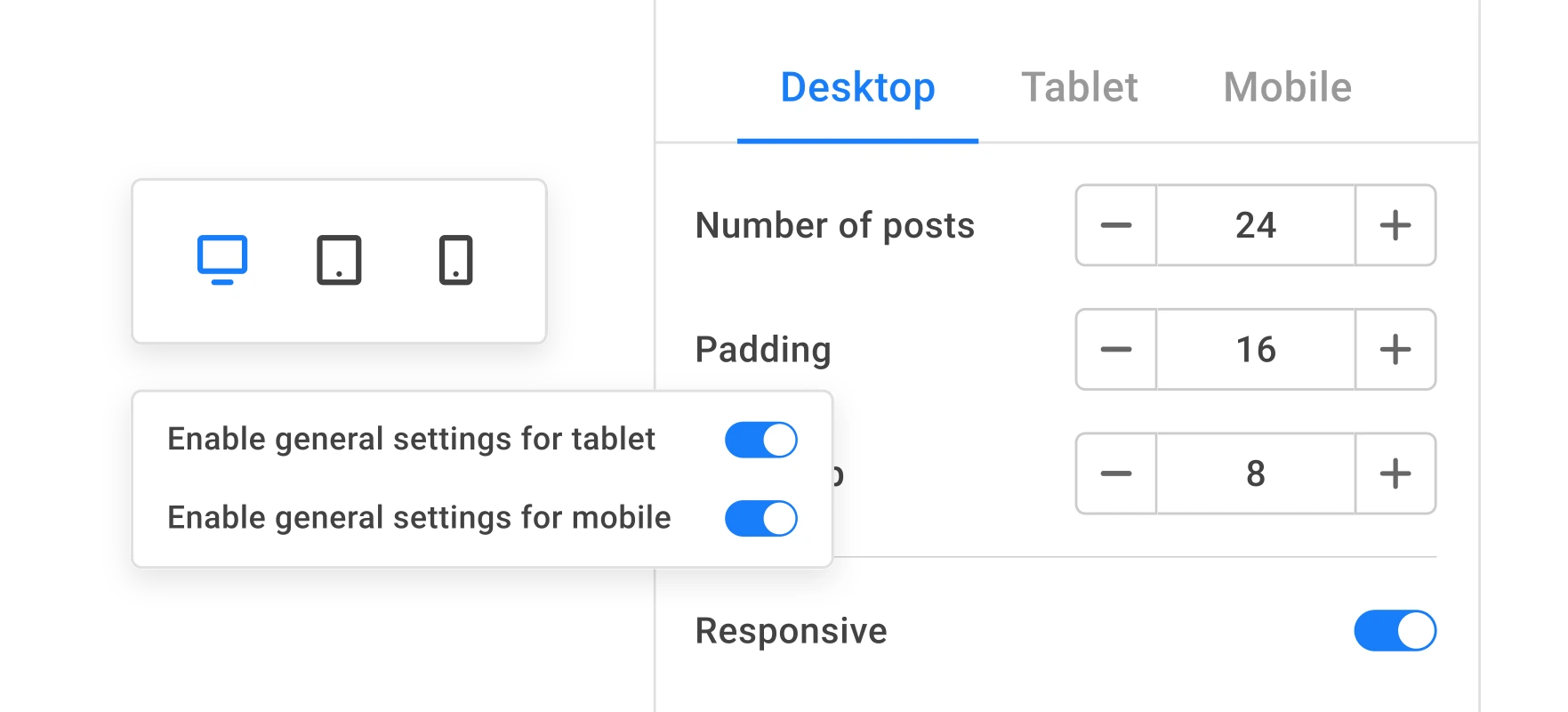
Responsive Anywhere
From desktop to mobile, the widget adapts automatically so your content looks good on any screen.
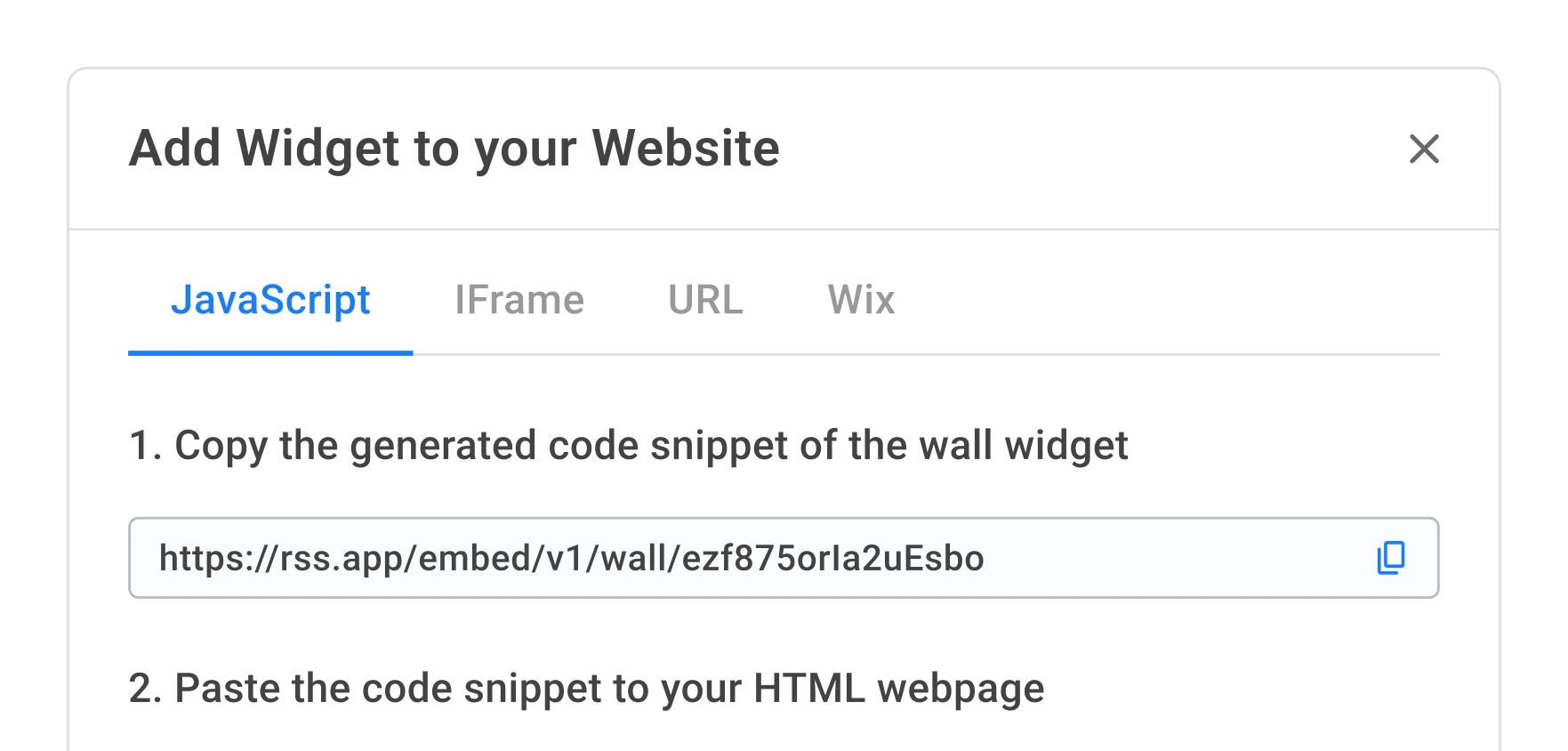
No Coding Required
Copy one code snippet, paste it into your site, and see it live instantly.
Your Ticker Widget in 3 Steps

Generate Feed
1Pick any site or source. The moment you generate a feed, your Ticker widget is built automatically.

Customize Ticker
2Want to tweak the look? Adjust layouts and filters with a few clicks.

Add to Website
3Grab the code snippet, and drop it into your site. That’s it.
What You Get With the Ticker Widget

Instant Setup
The moment you generate a feed, your Ticker is automatically created and ready to embed.

Smooth or Stepped Scroll
Choose between continuous scrolling or step-by-step movement.

Content Control
Decide exactly which posts appear using filters and whitelists.

Attention-Grabbing Format
Ideal for urgent announcements, promotions, or breaking news.

Performance-Optimized
Lightweight code ensures smooth scrolling without slowing your site.

Ready-Made Presets
Start with a pre-designed style and tweak it to match your brand.
Most Popular Website Builders
Connect and embed widgets into the world’s leading website builders: Shopify, WordPress, Webflow, and more. No plugins or extra setup required. Just paste one line of code and you’re live.
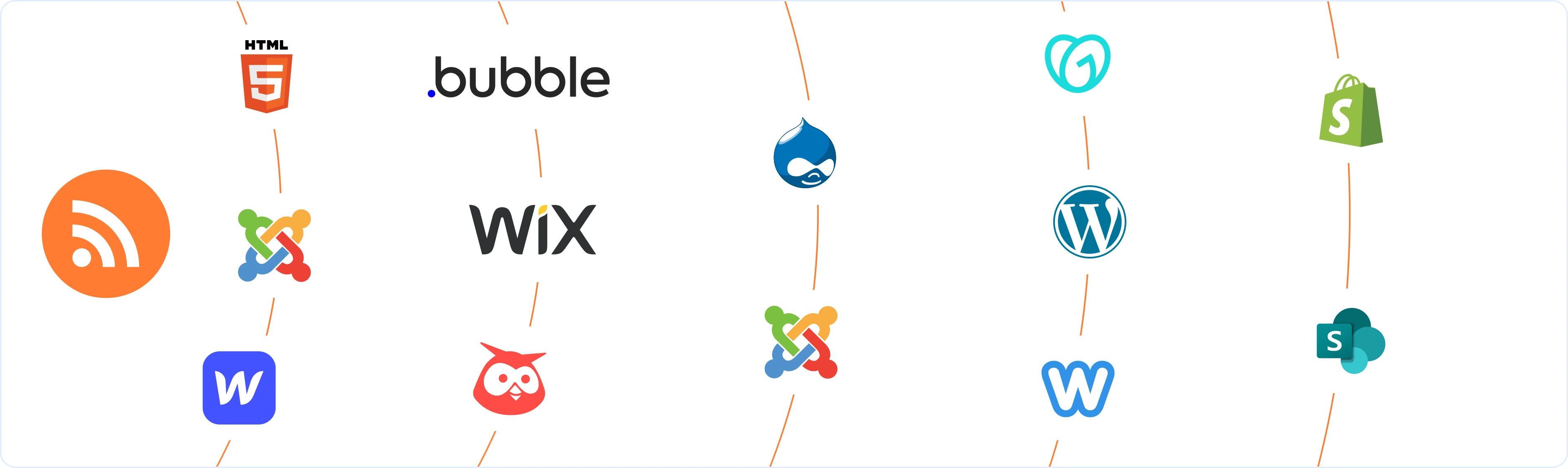

Display products, blogs, or updates on Shopify.

Show the latest updates directly on your Wix site.

Embed widgets on any HTML page in seconds.

Add live news widgets to your WordPress site.

Enhance your site with fresh content.

Keep visitors engaged with live news on Weebly.

Auto-update your Drupal site with news feeds.

Share live content on Joomla with no coding.
Who Uses the Ticker Widget?
Perfect for sharing updates, announcements, and rotating highlights across any type of website.

Media & News Sites
Stream live headlines or breaking stories.

Corporate Websites
Announce updates, deadlines, or internal notices.

E-commerce Stores
Promote sales, discounts, or special offers.

Event Organizers
Share schedules, changes, or urgent messages.
Built for SEO and Accessibility
The Ticker widget is built to help more people find and use your site. Fast-loading, SEO-friendly, and fully accessible.

Fast Performance
Lightweight design and lazy loading keep pages quick and your Core Web Vitals high.

SEO-Friendly
Clean HTML ensures search engines can index Ticker content.

WCAG-Compliant
Accessible for keyboard navigation and screen readers.
What Users Love About RSS.app

 4.8
4.8
Jun 20, 2025

RSS App the only option for RSS feed generation
RSS.app has been fantastic. They walked me through everything, especially since I needed a customized RSS feed for my blog. I will continue to use their services.

Jun 10, 2025
Highly recommend this RSS feed email / widget generator service.
I've worked with many RSS feed generators in the past 15 years. RSS.app has put together an amazing service that is very customizable with so many features. Support is also top notch and responds to your basic and advanced questions quickly and professionally. Highly recommend for all your RSS feed needs. Our trucking news hub website couldn't work without it. Thank you.

Jun 2, 2025
Above and Beyond Help
As part of a new project, my team wanted to monitor release notes on a product; however, the formatting did not match any RSS builder we could find. I reached out to RSS.App support, as you never know if you don't ask. Not only did I speak to someone the same day, but I spoke to someone who was knowledgeable, kind, and clearly wanted to understand the issue. It has been a few weeks, but after many revisions and direct support, all of my release notes are in a way that my users understand and find value in. Honestly, it has been an exceptional experience, and I will be pushing everyone I know to RSS.app for their RSS needs.
May 29, 2025
Highly recommend RSS.app
Very impressed with RSS.app. We connected our MailChimp newsletter to a feed on our website. The support provided has been outstanding! Thank you.
May 5, 2025
RSS.app has been fantastic
RSS.app has been fantastic. They walked me through everything, especially since I needed a customized RSS feed for my blog. I will continue to use their services.
Apr 30, 2025
RSS.app Great product & Service
Great product and awesome customer service. Prompt response with support.
Frequently Asked Questions
Ready to Get Started?