How to add RSS feeds to Notion
Notion is a popular productivity tool that allows you to create custom databases, take notes, manage projects, and more. One of the many features of Notion is the ability to embed content from other websites, including RSS feeds. By embedding an RSS widget into your Notion pages, you can stay up-to-date with the latest news and information in one place.
Adding RSS feeds into Notion is useful for journalists, bloggers, businesses and anyone who needs to monitor the web. With RSS.app, adding your RSS widget into Notion is simple.
What types of feeds can I embed?
Rss.app supports feed creation from many sources. You can embed social media feeds from sources like TikTok, Twitter, Reddit, and Facebook, or news feeds from CNN, NYTimes, Google News, and ESPN.
Here’s how to add your RSS widget into notion:
1. Create an RSS feed using your desired source
2. Select which widget you would like to use (in this example, I’m using the wall widget)
3. Customize the widget to fit your website by using the ‘Customize’ option
4. Click 'Add to Website'

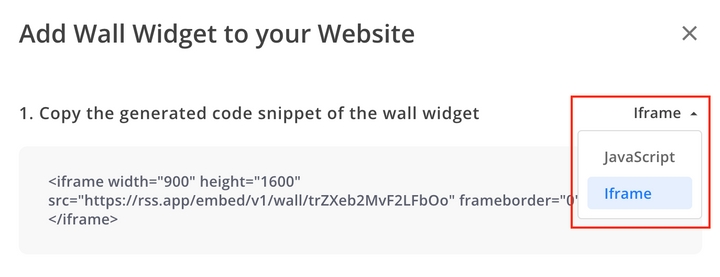
5. Select 'Iframe' and copy the code snippet
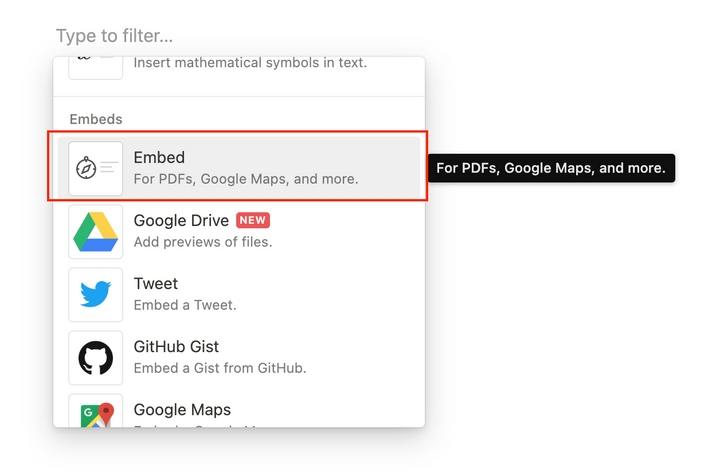
6. In Notion, select the 'Embed' block
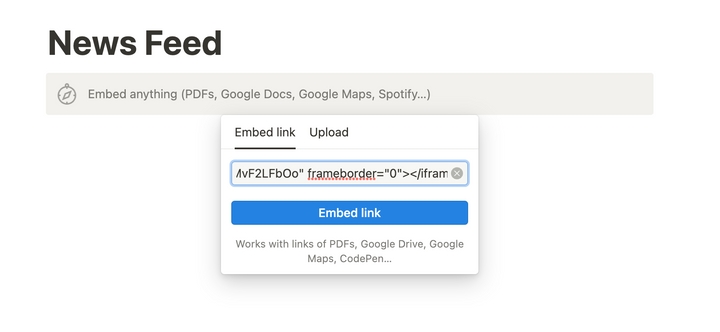
7. Paste the Iframe code snippet from step 3 and click 'embed link'.
8. Resize the widget to your specifications
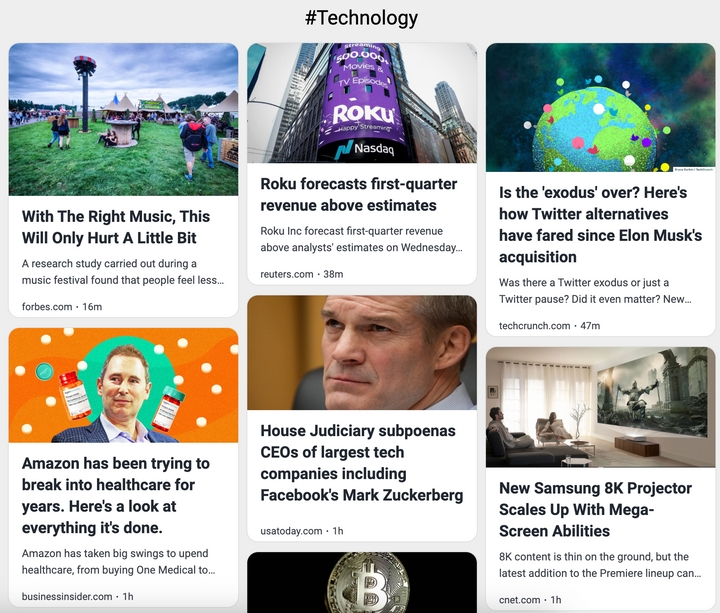
That’s it! Now you will be able to display the latest news and updates on your Notion page.
Want to try RSS feeds?
Create your first feed in minutes. Free to start, no credit card required.
Share this article


Ready to get started?
Create your first RSS feed in minutes. No coding required.