Collections: Your Favorite Posts in One Feed
We present our newest feature: Collections. Collections are a way for you to pick and choose specific articles that can then be grouped together and shared with your users or added to your own website.
How it works:
Browse websites and find your favorite posts. These individual articles can be added to your collections and shared with your subscribers. It’s a collection of posts that are specific to your brand and company. Posts in your collections can also be filtered for a more customized feed.
Here’s how to use Collections:
Add articles
- Sign in to your RSS.app account and open Collections.

2. Click the Create new collection button.
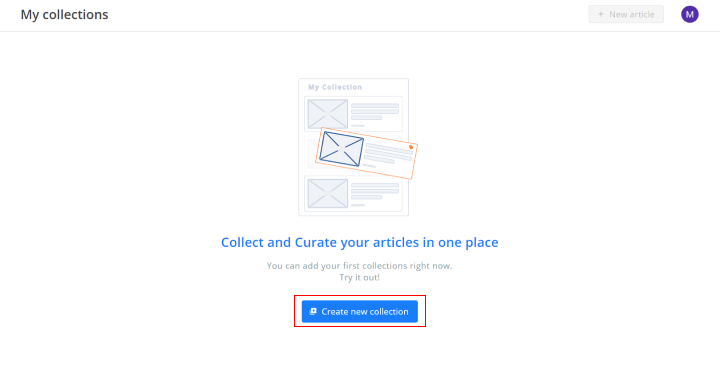
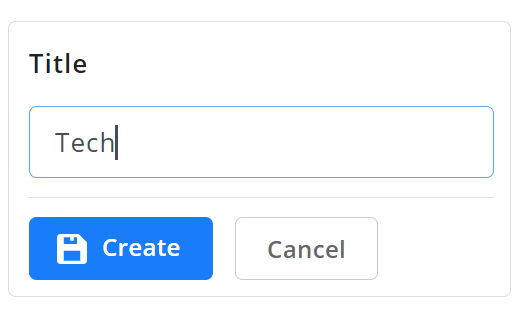
3. Name your collection and click Create to save.
4. Click Add new article.

5. Enter the article’s URL and click Save.

You’ve added the first article to your collection!

To add more articles check out rss.app!
Want to try RSS feeds?
Create your first feed in minutes. Free to start, no credit card required.
Share this article


Ready to get started?
Create your first RSS feed in minutes. No coding required.